
Best Free AI Tools for Students in 2026 (Tested for Studying, Homework & Productivity)
Last Updated: May 2026
Reviewed for accuracy, usability, beginner-friendliness, and real student workflows.
AI is changing how students study.
A few years ago, students mainly used YouTube videos, Google searches, and flashcards to prepare for exams. In 2026, many students now use AI tools daily for:
- homework help
- note-taking
- research
- essay writing
- revision
- productivity
- coding
- exam preparation
And honestly, some of these tools are incredibly useful.
Not because they magically “do the work for you,” but because they remove repetitive tasks that waste time and mental energy.
The right AI tools can help students:
- study faster
- stay organized
- understand difficult topics
- create better notes
- improve writing
- reduce academic stress
The best part?
Many of the best AI tools for students are completely free.
In this guide, we tested and reviewed the top free AI apps students are using in 2026 — including ChatGPT, Google Gemini, NotebookLM, Grammarly, QuillBot, Otter.ai, and more.
Whether you’re a school student, college student, online learner, creator, or university researcher, these AI study tools can seriously improve your workflow.
Quick Answer: What Are the Best Free AI Tools for Students?
The best free AI tools for students in 2026 are:
- ChatGPT — best overall AI study assistant
- Google Gemini — best for research and study guides
- NotebookLM — best for revision and flashcards
- Grammarly — best AI writing assistant
- QuillBot — best summarizer tool
- Otter.ai — best AI note-taking app
- Notion AI — best productivity tool
- ChatPDF — best for PDFs and research papers
- GitHub Copilot — best coding AI tool
Each tool solves a different student problem, so the best choice depends on your study style and academic needs.
Why Students Are Using AI Tools in 2026

Students today deal with:
- information overload
- online classes
- constant assignments
- faster deadlines
- multitasking
- digital distractions
AI tools help simplify that pressure.
For example, students now use AI to:
- summarize chapters in seconds
- turn notes into flashcards
- generate quizzes
- improve essays
- organize revision plans
- transcribe lectures
- explain difficult concepts
“It feels like having a personal study assistant available 24/7.”
The best students are not replacing learning with AI.
They’re using AI to improve efficiency and focus more on understanding.
How We Tested These AI Tools
| Evaluation Factor | What We Looked For |
|---|---|
| Beginner Friendliness | Easy setup and usability |
| Free Plan Quality | How useful the free version actually is |
| Study Usefulness | Homework, revision, notes, research |
| Productivity Benefits | Time savings and workflow improvement |
| Accuracy & Reliability | Helpful responses with fewer errors |
We also tested realistic student workflows like:
- exam preparation
- note organization
- assignment writing
- PDF summarization
- lecture transcription
- coding help
- flashcard generation
Best Free AI Tools for Students in 2026
1. ChatGPT — Best Overall AI Tool for Students

Best For
- Homework help
- Explanations
- Study guides
- Writing assistance
- Brainstorming
- Productivity
ChatGPT remains the most versatile AI tool for students in 2026.
It works across almost every subject:
- math
- science
- coding
- writing
- history
- research
- productivity
What makes ChatGPT especially useful is the conversational learning experience.
Students can ask follow-up questions until they genuinely understand a topic.
Practical Student Workflow
Step 1: Upload lecture notes
Upload biology notes or a PDF chapter.

Step 2: Generate summaries
“Summarize this chapter in beginner-friendly language.”
Step 3: Create flashcards
“Turn this into 20 flashcards for revision.”
Step 4: Practice actively
“Quiz me one question at a time.”
This workflow turns passive studying into active recall, which improves learning retention significantly.
Pros
- Extremely versatile
- Great explanations
- Beginner-friendly
- Excellent productivity tool
- Strong free features
Cons
- Can occasionally hallucinate facts
- Requires fact-checking
- Some advanced features are paid
2. Google Gemini — Best AI Tool for Research and Study Guides

Best For
- Research
- Study planning
- Google Docs users
- Image explanations
Google Gemini has become one of the best free AI apps for students who already use Google Workspace tools daily.
Its integration with Google Docs, Drive, and Gmail makes studying feel smoother and more connected.
Real-World Example
A student preparing for economics exams uploaded class notes into Gemini and asked:
“Create a 7-day revision plan based on these topics.”
Gemini generated:
- study priorities
- revision schedules
- quiz questions
- weak-topic suggestions
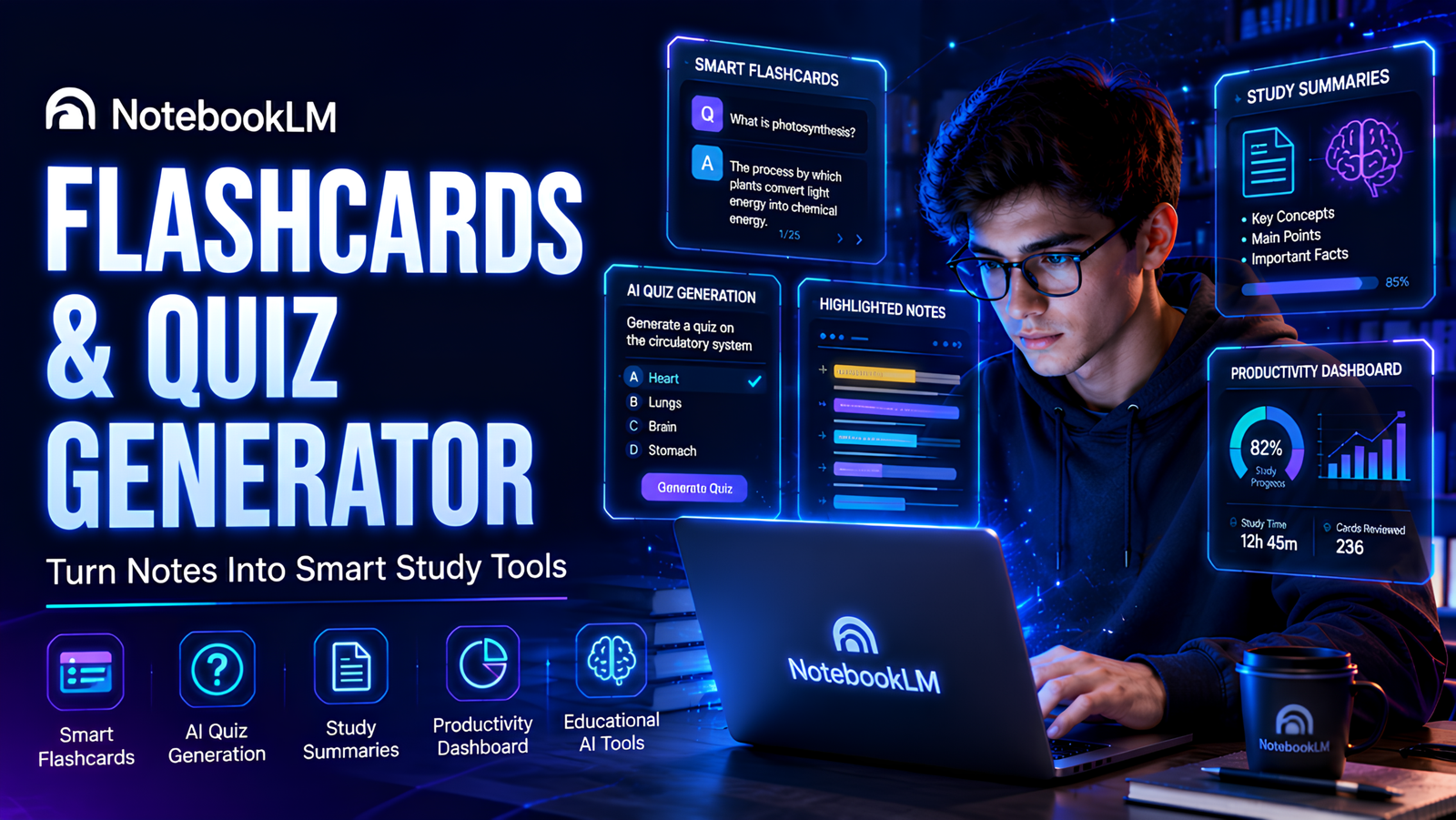
3. NotebookLM — Best AI Tool for Exam Preparation
Best For
- Revision
- Flashcards
- Quiz generation
- Studying from notes
NotebookLM is one of the most underrated AI learning tools for students.
You can upload:
- lecture notes
- slides
- PDFs
- research papers
- textbook chapters
Then NotebookLM can:
- summarize them
- create flashcards
- generate quizzes
- explain concepts
- answer questions
Practical Revision Workflow
- Upload lecture PDFs
- Generate flashcards
- Create practice quizzes
- Review weak areas daily
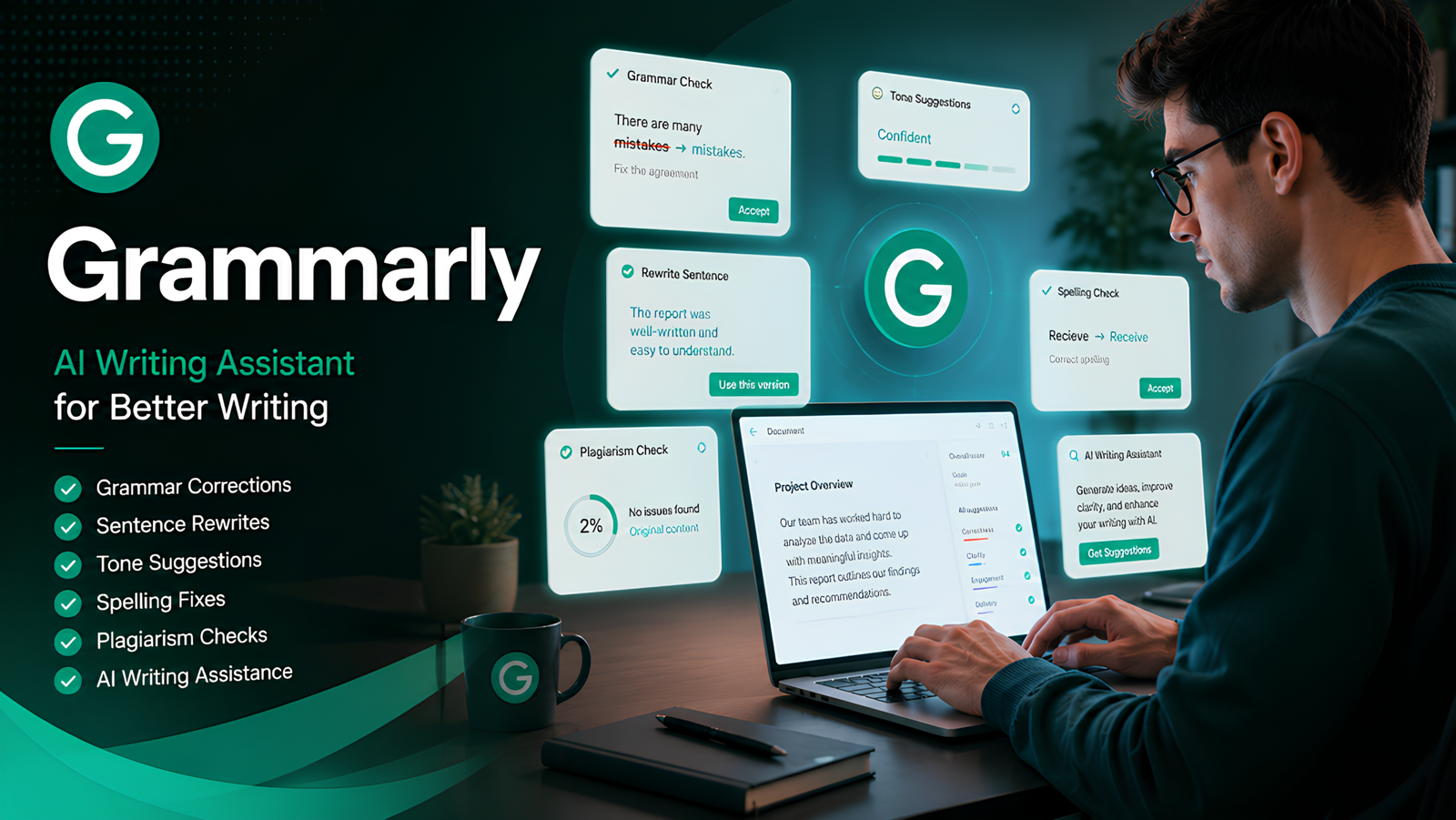
4. Grammarly — Best AI Writing Assistant for Students
Best For
- Essays
- Reports
- Academic writing
- Grammar correction
Grammarly improves:
- grammar
- punctuation
- clarity
- sentence flow
- professionalism
It’s especially helpful for essays, scholarship applications, and reports.
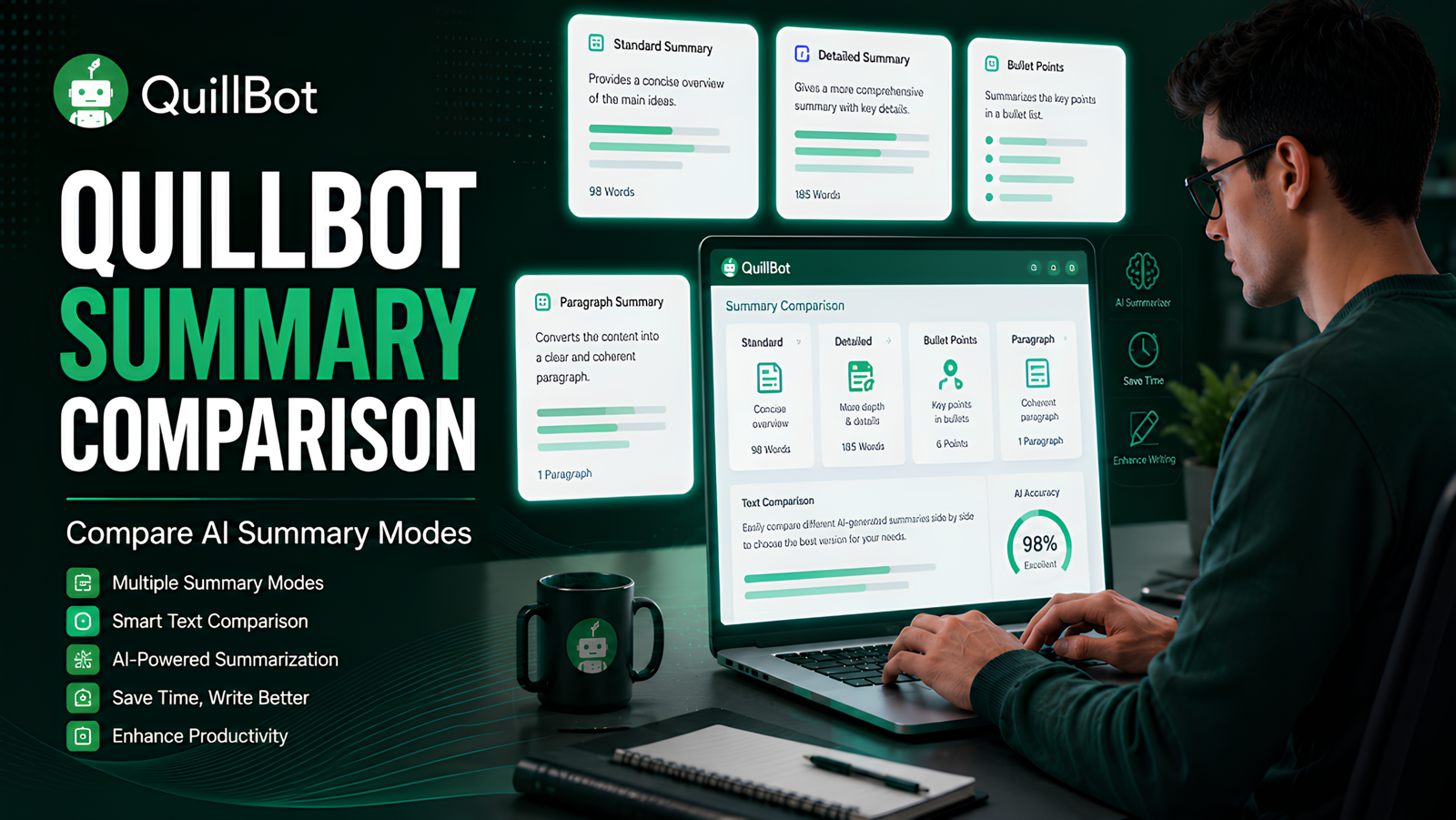
5. QuillBot — Best AI Summarizer Tool
Best For
- Summarizing notes
- Simplifying research papers
- Rewriting content
- Study revision
QuillBot helps simplify dense academic writing and save reading time.
It’s especially useful for students dealing with long research papers or theory-heavy subjects.
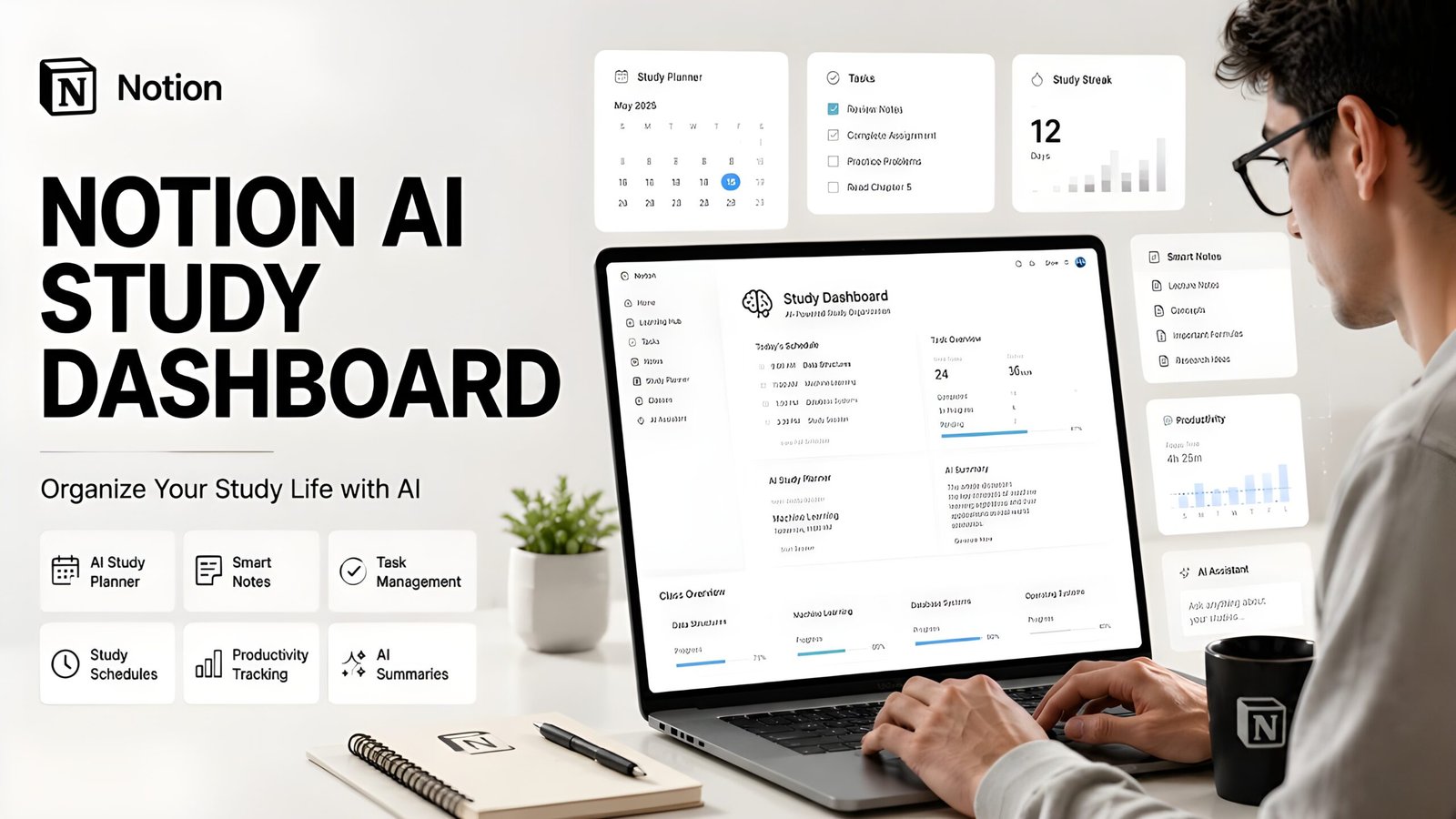
6. Notion AI — Best AI Productivity App for Students
Best For
- Productivity
- Assignment tracking
- Study planning
- Organization
Notion AI helps students organize:
- assignments
- schedules
- deadlines
- projects
- revision plans
Good organization reduces academic stress significantly.
7. Otter.ai — Best AI Note-Taking App
Best For
- Lecture transcription
- Audio notes
- Revision support
Otter.ai records lectures and converts them into searchable notes automatically.
This allows students to focus more on understanding lectures instead of trying to write every sentence.
8. ChatPDF — Best AI Tool for Research Papers
Best For
- PDFs
- Research papers
- Textbook summaries
ChatPDF lets students upload PDFs and ask direct questions about them.
This saves huge amounts of time during research-heavy semesters.
9. GitHub Copilot — Best AI Coding Assistant for Student
Best For
- Programming students
- Coding assignments
- Learning development
GitHub Copilot helps students:
- autocomplete code
- debug errors
- understand syntax
- learn faster
Best AI Tools for Different Student Needs
| Student Need | Best AI Tool |
|---|---|
| Homework help | ChatGPT |
| Exam revision | NotebookLM |
| Essay writing | Grammarly |
| Research papers | ChatPDF |
| Summaries | QuillBot |
| Productivity | Notion AI |
| Lecture notes | Otter.ai |
| Coding help | GitHub Copilot |
Real Student AI Workflow Examples
Morning Study Workflow
- Review revision tasks in Notion AI
- Summarize readings with QuillBot
During Lectures
- Record classes using Otter.ai
- Ask Gemini quick questions
Revision Sessions
- Use NotebookLM flashcards
- Practice quizzes with ChatGPT
Assignment Writing
- Brainstorm using ChatGPT
- Improve grammar with Grammarly
- Simplify wording using QuillBot
Free vs Paid AI Tools for Students
| Tool | Free Version Good Enough? | Who Should Upgrade? |
|---|---|---|
| ChatGPT | Yes | Heavy daily users |
| Gemini | Yes | Advanced Google users |
| NotebookLM | Usually yes | Rarely necessary |
| Grammarly | Good | Frequent essay writers |
| QuillBot | Good | Research-heavy students |
| Otter.ai | Good | Students recording many lectures |
| Notion AI | Good | Productivity-focused students |
Common Mistakes Students Make With AI
1. Blindly Copying Answers
AI can make mistakes.

Always verify important information.
2. Using AI Passively
Simply reading summaries is not enough.
Use AI for:
- quizzes
- flashcards
- active recall
- explanations
3. Relying on One Tool Only
Different AI tools solve different problems.
Combining tools creates better workflows.
4. Ignoring Privacy
Avoid uploading highly sensitive personal or academic information into AI platforms.
FAQs About AI Tools for Students
What is the best free AI tool for students?
ChatGPT is currently the best overall free AI tool for students because it combines studying, writing, productivity, brainstorming, and research assistance in one platform.
Which AI tool is best for exam preparation?
NotebookLM is one of the best AI tools for exam prep because it creates flashcards, quizzes, and summaries directly from your own study materials.
Can students use ChatGPT for homework?
Yes. Students commonly use ChatGPT for:
- explanations
- practice questions
- summaries
- brainstorming
- study guides
What AI app is best for note-taking?
Otter.ai is excellent for lecture transcription, while NotebookLM is one of the best AI note organization tools for students.
Are AI tools safe for students?
Generally yes, but students should avoid uploading sensitive personal information and should always review privacy policies carefully.
Also Read
Final Thoughts
AI tools are becoming a normal part of student life.
And honestly, students who learn how to use these tools effectively now will probably have a major advantage in the future.
The key is using AI intelligently.
Not to avoid learning — but to:
- study smarter
- save time
- stay organized
- improve understanding
- reduce stress
Start with one tool.
Build one useful workflow.
Then slowly improve your study system over time.
That’s where the real productivity gains happen.
Author Note
This article was created using hands-on testing, official product research, real student workflows, and educational productivity analysis. Features and free-plan limits may change over time, so always verify current pricing and availability from official websites before upgrading.